GrantStation Login Instructions
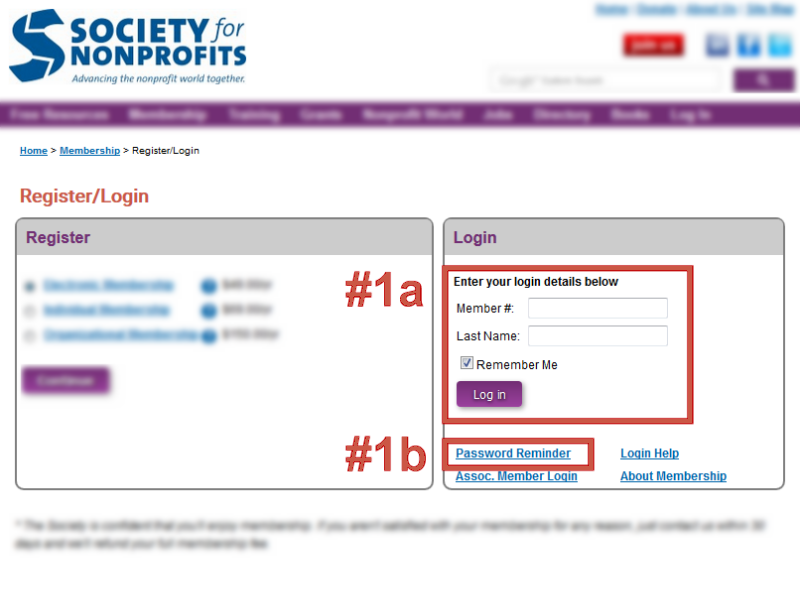
In order to eliminate delays for new members, reduce the number of passwords, and improve the overall membership experience, the Society worked hard with GrantStation to simplify access to this member benefit and created an automated login process from the Society's Members Only section. Please use the following instructions to access the GrantStation website. Your Society login information will not work on the GrantStation.com site.
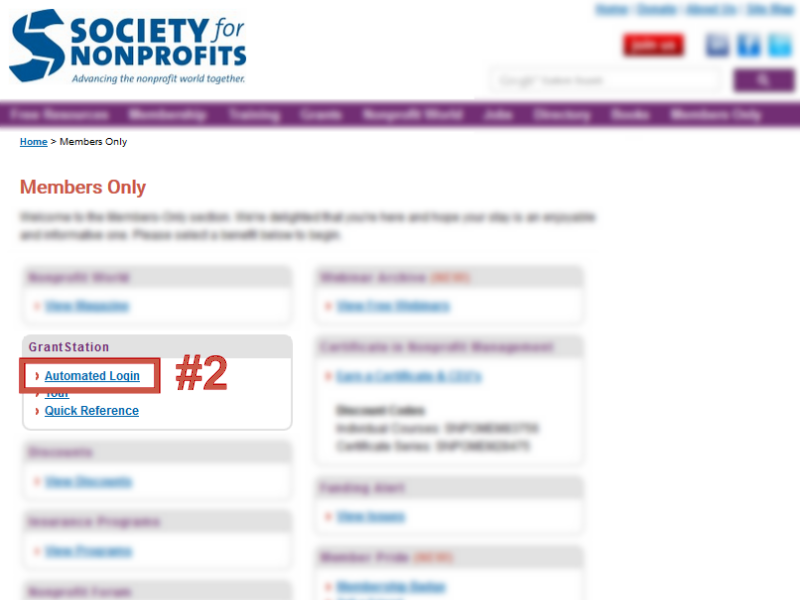
Once you've logged in, click on " Automated Login" ( #2) or GrantStation logo under the GrantStation header. The GrantStation site will open in a new window or tab. NOTE: If you don't see the "Automated Login" link, log out and start over at Step #1. If it still does not appear, please contact Jason Chmura at info@snpo.org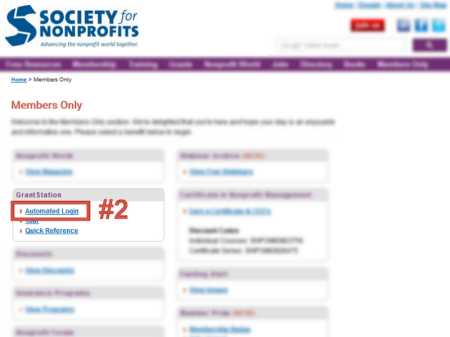
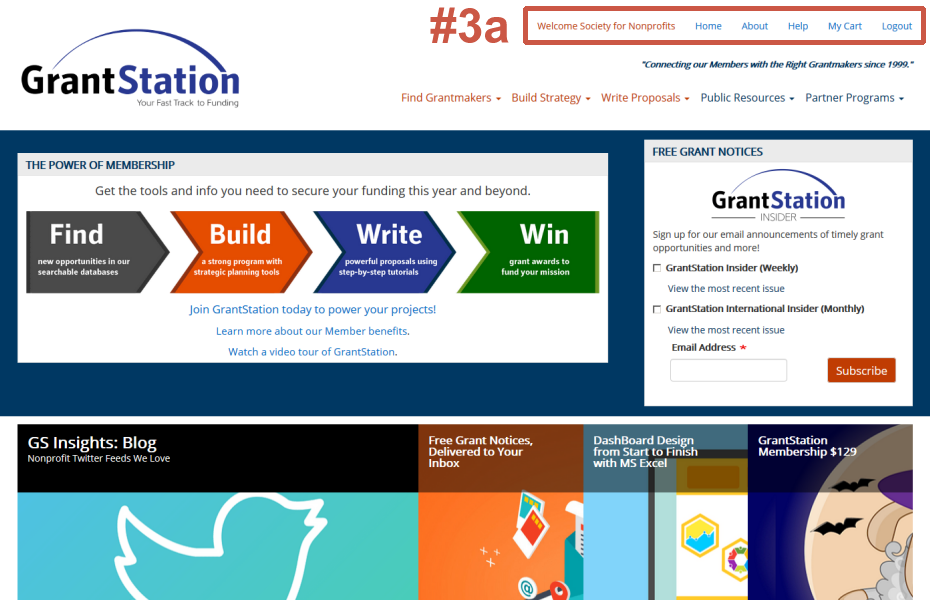
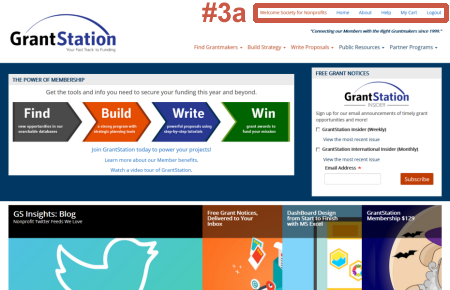
You can confirm that your automated login was successful by noting the "Welcome Society for Nonprofits" notice and "Logout" link in the upper right (#3a). You are now logged in, and have full member access to the GrantStation website.
If you run into any problems, please contact Jason Chmura at info@snpo.org.
|
|